Enforcing focus and productivity tool
Creative Command is a free-to-try productivity application for mobile devices from developer Creative Command, LLC. It is a focus app that lets users set timers to help them concentrate on specific tasks without distractions. It can be customized to different workflows, including breaks and other intervals when they’re not actively working.
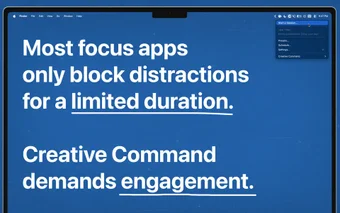
Compared to pomodoro tools like FocusPomo or Focus: Pomodoro Timer, Creative Command demands user engagement. The timer stops when it detects that work has stopped progressing. Subscription plans are available for purchase after the free trial if users want to continue using it further.
Demand productivity
Creative Command takes a different approach to focus and productivity. To set it up, start by selecting the apps needed for work and placing a restriction on everything else. Then, create a session profile with a timeframe that fits your workflow. You can also set how strict the app is with its idle time monitoring. Manually start it at any time or have it start automatically through automation.
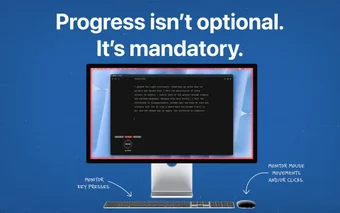
When you start your session, it will actively monitor you while working, checking for idleness within the parameters you set. Stop, and so will the timer, creating this sense of urgency and pushing you to avoid procrastination and be more productive when it really matters. You can’t run out the clock, so you will need to do the work.
Over time, check your stats and session logs to see how the app is working for you. There are also no sign-ups, and everything is done on-device, without using any AI tools. Now, note that you will be limited to a single focus preset with the free tier. For more, you can opt for Creative Command Plus, which will also unlock its full feature set, including advanced scheduling functions.
Commanding attention and work
All in all, Creative Command is an interesting productivity tool if you’ve tried pomodoro timers and found they don’t work for you. It’s a more aggressive approach that will demand attention and nudge you along whenever you start to drag and delay what you need to do. It’s easy to set up and quite customizable, so give it a try now.